Zone D · Operations centre
RMS
Resource Management System
A web-based system to add, track and assign airport resources while flight schedules move.
PositionControl centre
AssignsGates, counters, crew, kit
DetectsResource conflicts
AccessWeb-based
What it does
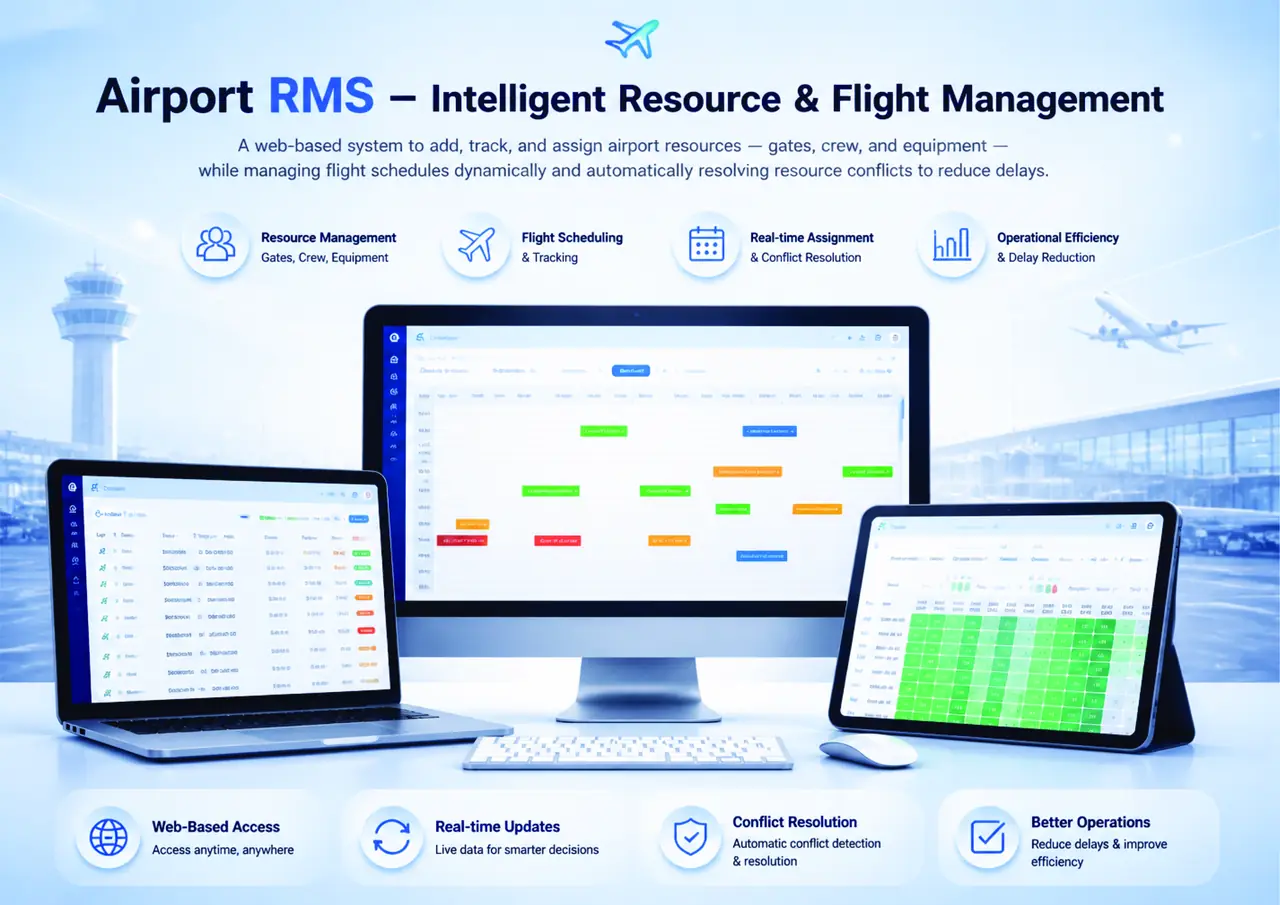
RMS holds the airport's resources — gates, counters, equipment and crew — and the flight schedule they serve. Assignments are made and changed on a live timeline, and conflicts are detected and resolved automatically so that a clash does not turn into a delay.
The interface
Key capabilities
Resource registerGates, counters, equipment and crew as managed records.
Flight schedulingSchedules maintained and tracked as they change.
Real-time assignmentResources allocated to flights on a live timeline.
Conflict resolutionAutomatic detection and resolution of resource clashes.
Web-based accessAvailable to operations wherever they are working.
Operational viewOccupancy and availability at a glance.
Where it works
Airport operations control centre, duty manager desks and terminal supervision.
- A gate change rippling through the afternoon bank
- Counter blocks reallocated for a delayed departure
- Equipment planning for a peak season schedule
Workflow
Step 01Resources are registered
Step 02Flights are scheduled
Step 03Resources are assigned
Step 04Conflicts are detected and resolved
Step 05Changes are published to operations
Benefits
- Fewer delays caused by resource clashes
- Better use of gates and counters already built
- One shared plan for the operations team
- Change history for the day of operation